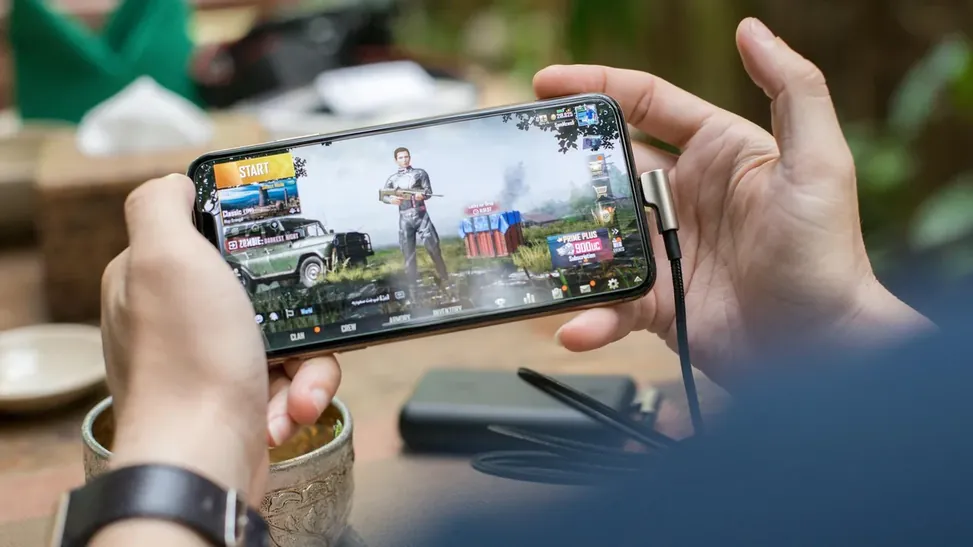
Emulation is real work for a phone, and a demanding PSP title can drain a battery faster than almost any other app. The good news is that most of the drain in PPSSPP APK comes from a handful of settings you control, and PSP games were designed for a handheld with a small battery, so they tolerate sensible limits gracefully.
This guide ranks the battery costs honestly, from the rendering resolution that dominates everything to the small habits that add the final minutes. Everything covered here ties back to the main PPSSPP APK Download for Android page, where the download and the key facts live.
What Actually Drains the Battery in PPSSPP
Three things consume nearly all the power: the GPU rendering at high resolution, the screen displaying a bright game, and the CPU keeping emulation at full speed. Everything else, including audio and storage access, is minor by comparison.
That ranking matters because it tells you where effort pays off. Halving rendering resolution saves far more battery than any collection of small tweaks.
- Rendering resolution is the biggest controllable cost
- Screen brightness rivals emulation cost
- Full-speed 3D games cost more than 2D games
- Heat increases drain as the phone throttles
- Background apps add avoidable load
Resolution and Rendering Choices That Save Most
Drop rendering resolution to 1x or 2x PSP for battery sessions. PSP games were drawn for a small screen, and at phone size the difference between 2x and 4x is subtle while the power difference is large.
Disable texture upscaling and heavy post-processing shaders for long sessions, and prefer the Vulkan backend where it runs efficiently on your device.
- Use 1x or 2x rendering resolution for long play
- Turn off texture upscaling filters
- Skip post-processing shaders on battery
- Keep anisotropic filtering low
- Test Vulkan versus OpenGL efficiency per device
Frame Rate and Frame Skipping Trade-Offs
Capping effort matters. Auto frame skipping with a low maximum lets the emulator breathe during heavy scenes instead of burning power to hold an impossible frame rate.
Some games include a built-in alternative: turning off in-game effects or crowd detail where the PSP game itself offers those options.
- Auto frame skip 1 reduces sustained load
- Avoid forcing 60 FPS patches on battery
- Lower in-game detail options where offered
- Stable 30 FPS beats a hot, throttling 60
- Let the phone stay cool to avoid throttle drain
Screen, Sound, and Connectivity Habits
Reduce screen brightness to the lowest comfortable level, because the display alone can account for a third of total drain. Darker games and evening play need far less brightness than midday outdoor play.
Turn on airplane mode for offline games, or at least disable mobile data and location. Use speakers at moderate volume instead of Bluetooth audio when every percent counts.
- Lower brightness is a top-three saving
- Airplane mode suits offline PSP games
- Wired or speaker audio beats Bluetooth
- Close streaming and social apps first
- Disable vibration feedback for emulated rumble
Battery Profiles by Game Genre
Turn-based RPGs and puzzle games can run at 1x resolution with aggressive frame skipping and barely sip power, making them ideal travel games. Racing and action titles need smoother delivery, so 2x resolution with mild skipping is the practical floor.
Build two mental profiles, travel and home, and switch the three main settings when you change context instead of optimizing every session.
- RPG profile: 1x resolution, frame skip on
- Action profile: 2x resolution, mild skip
- 2D games are the most battery-friendly of all
- Save battery profiles as a quick checklist
- Charge breaks suit plugged home sessions
Heat, Battery Health, and Long Sessions
Sustained heat is the real enemy of battery health. If the phone becomes hot, it is both draining faster now and aging the battery sooner. Shorter sessions, a removed case, and lower settings protect the device beyond a single charge.
Avoid playing while fast-charging in a hot environment; the combined heat stresses the battery more than either activity alone.
- Heat accelerates drain and battery aging
- Remove thick cases during long sessions
- Pause when the phone feels hot
- Do not game while fast-charging in heat
- Battery saver modes throttle emulation badly
Measuring Your Own Drain Rate
Generic tips improve when you measure. Note the battery percentage, play your usual game for exactly thirty minutes with your usual settings, and note the drop. Change one setting, repeat, and compare.
Two evenings of casual measurement gives you a personal drain table for your phone and your games, which no guide can match for accuracy.
- Measure thirty-minute drops
- Change one setting per test
- Your games, your numbers
- Note heat alongside percentage
- Build a personal settings table
Travel Play Kit: Small Habits, Long Sessions
For journeys, preparation beats in-game tweaking: download nothing during play, charge to full before leaving, carry a modest power bank for the return leg, and pre-load the two or three games you will actually play.
A phone in a hot train window seat drains faster than the same phone in a shaded bag between sessions. Where the device rests matters as much as how it plays.
- Prepare before the journey
- Power bank for the return leg
- Pre-load a short game list
- Keep the phone out of hot sun
- Rest the device between sessions
Conclusion
Longer PPSSPP APK sessions come from three decisions: render at 1x or 2x, keep the screen no brighter than the room requires, and let frame skipping absorb heavy scenes instead of forcing full speed at any cost.
Match the profile to the genre, keep the phone cool, and the same battery that died mid-dungeon will comfortably carry your PSP library through a full day of travel play. The complete treatment of that side of the setup sits in PPSSPP APK Performance Settings for Low-End Android Phones. The complete treatment of that side of the setup sits in Best PPSSPP APK Graphics Settings for HD PSP Gameplay.